Field Tactics
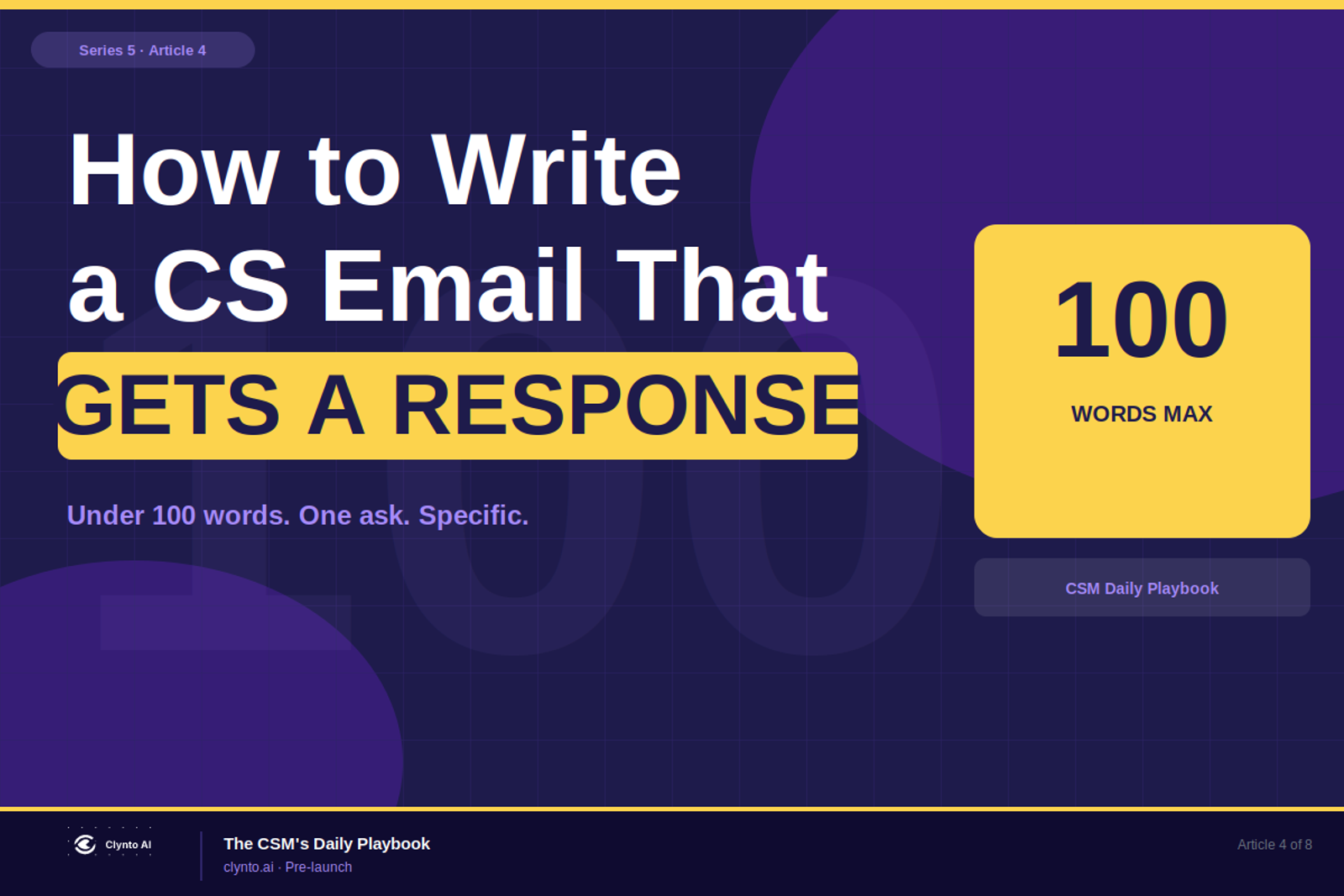
How to Write a CS Email That Gets a Response
Most CS emails are too long, too generic, and too easy to ignore. Here's the exact formula - under 100 words, one ask, account-specific - that doubles your reply rate.

On this page
How to Write a CS Email That Gets a Response
The CS email that doesn't get a reply has one of four problems: too long, too generic, too many asks, or too easy to ignore. Here's how to fix all four.
Why Most CS Emails Don't Get Responses
The average B2B professional receives 120+ emails per day. The ones that get opened are specific — with a subject line that makes the recipient feel like this is actually for them. The ones that get responses are short, clear, and make replying effortless.
Most CS emails fail on all four counts. They open with "Hope you're well." They run to three paragraphs. They include two or three asks. They close with "Looking forward to hearing from you" — which is the email equivalent of not closing at all.
Here's the formula that actually works.
Line 1: Subject — Specific, Not Generic
The subject line is the only thing between your email and the delete button. It has one job: make the recipient feel like this email is specifically for them.
Doesn't work:
- "Checking in"
- "Following up on our conversation"
- "Quick question"
- "Touching base"
Works:
- "Q3 reporting adoption — one thing I noticed"
- "Following up on the API issue from last week"
- "Your team's onboarding progress — something to share"
The difference: specificity. A subject line that references something real in their account gets opened. A generic one gets deleted or deferred indefinitely.
Line 2: Lead With Their Context
The opening line of a CS email should reference something real in their account — not a pleasantry.
Don't open with: "Hope you're well / I hope this finds you well / I wanted to reach out / Just checking in"
Open with: "I was looking at your team's usage this week and noticed [specific thing]." Or: "I saw the [feature] was activated by your team on [day] — wanted to share something relevant." Or: "The [issue] from last week has been resolved — and I spotted something adjacent worth flagging."
This line tells the recipient: this email is about you specifically, not a generic outreach template. It's the line that separates CSMs who use Larry's account context from CSMs who send the same email to everyone.
Line 3: One Thing Only
Every extra ask in a CS email reduces the chance of getting a response to any of them.
The psychology is simple: when someone sees multiple requests in one email, they defer responding until they can handle all of them — which often means never.
One email. One topic. One ask. If you have three things to discuss, send three emails. Or put them on the agenda for a call. But one email should have one purpose.
Line 4: Make the Response Easy
The close of a CS email should require the smallest possible mental effort to respond to.
Hard to respond to: "Let me know when works for you." "Please feel free to reach out if you have any questions."
Easy to respond to: "Is Tuesday or Wednesday better for a 15-minute call?" "Can you confirm by Friday if this is still on track?" "Does this sound like the right direction — yes or no?"
The easier the response, the more likely it is to happen. Remove every decision from the recipient's path.
Line 5: Cut Everything That Isn't Carrying Information
The fastest way to improve a CS email: read it back and delete every sentence that isn't directly advancing the purpose of the email.
"I hope this email finds you well" — cut. "As we discussed on our last call" — cut (unless directly relevant). "Please don't hesitate to reach out" — cut. "I look forward to hearing your thoughts" — cut.
What's left should be: the specific context (1–2 sentences), the one ask (1 sentence), and the easy close (1 sentence). Total: under 100 words.
Line 6: End With a Specific Ask — Not a Gesture
The final line of a CS email is the close. It should name something specific.
Not a gesture: "Looking forward to connecting soon." "Let me know if you have any questions."
A specific ask: "Can you confirm by Friday whether the renewal direction has been decided?" "Is Tuesday 10am or Wednesday 2pm better for the QBR?" "Would you be open to a 20-minute call next week to review the Q3 data together?"
Specific. Time-bound. One thing. This is what gets a yes.
The Larry Advantage
The hardest part of writing a great CS email is the opening line — finding the specific account context that makes the email feel personal, not templated.
Larry provides this automatically. Before sending any email, CSMs can pull the Larry brief for the relevant account: what changed recently, what signals are active, what the customer's stated goal is. That context becomes the opening line. The email feels specific because it is specific.
The rest of the formula — short, one ask, easy close — is a writing discipline. The context is what Larry handles.
Lucas Bennett
Clynto AI
Customer Success practitioner with over 10 years building CS teams from scratch across US, Canada, Singapore as a CSM, team lead, CS leader, and consultant.
Book 20 min with Lucas